Guided
Best place to start- Start with what you already have
- Understand every field before answering
- See progress and open questions clearly
Start with a sketch, photo, or garment type. Guided questions help you document materials, construction, measurements, artwork, and packaging. Preview the PDF for free, then pay only when you are ready to export.
No account or card needed to start
 148
148Factory Readiness
Materials
Complete
Measurements
Review 2
Artwork
Complete
Packaging
Complete
Next action
Confirm two measurement tolerances
Guided mode is the clearest place to begin. Every answer is saved in the same workspace, so you can switch to Direct mode later without rebuilding your tech pack.
Start in Guided modeOpen every section immediately and work through materials, construction, measurements, artwork, and packaging in any order.
From idea to handoff
Begin with what you know. The workspace keeps every missing decision visible until you are ready to share the document.
Choose a garment, then add a sketch or reference if it is useful.
Work through simple prompts for materials, construction, measurements, and finishing.
Factory Readiness names every gap and takes you back to the right place to resolve it.
Review the free PDF preview, issue the right revision, then unlock clean PDF and XLSX files.
Everything in one place
Every production detail stays structured, editable, and connected to the correct revision.
Keep references, technical flats, and numbered construction notes together.
Organize fabrics, trims, suppliers, composition, weight, and colorways.
Document how the garment is made and the measurements each size needs.
Connect production files, placement details, label copy, and packing instructions.
See named errors, warnings, and specification conflicts with a direct path to the section that needs attention.
Issue controlled revisions and export professional PDF and XLSX files.
Every finding explains the problem in plain language, shows what to do next, and links back to the exact section that needs attention.
Needs attention
The front zipper is part of the design but is not yet listed with the materials.
Review
The target measurements are saved, but the acceptable variation is still missing.
Complete
The production file, dimensions, color, and left-chest placement are connected.
See the finished document
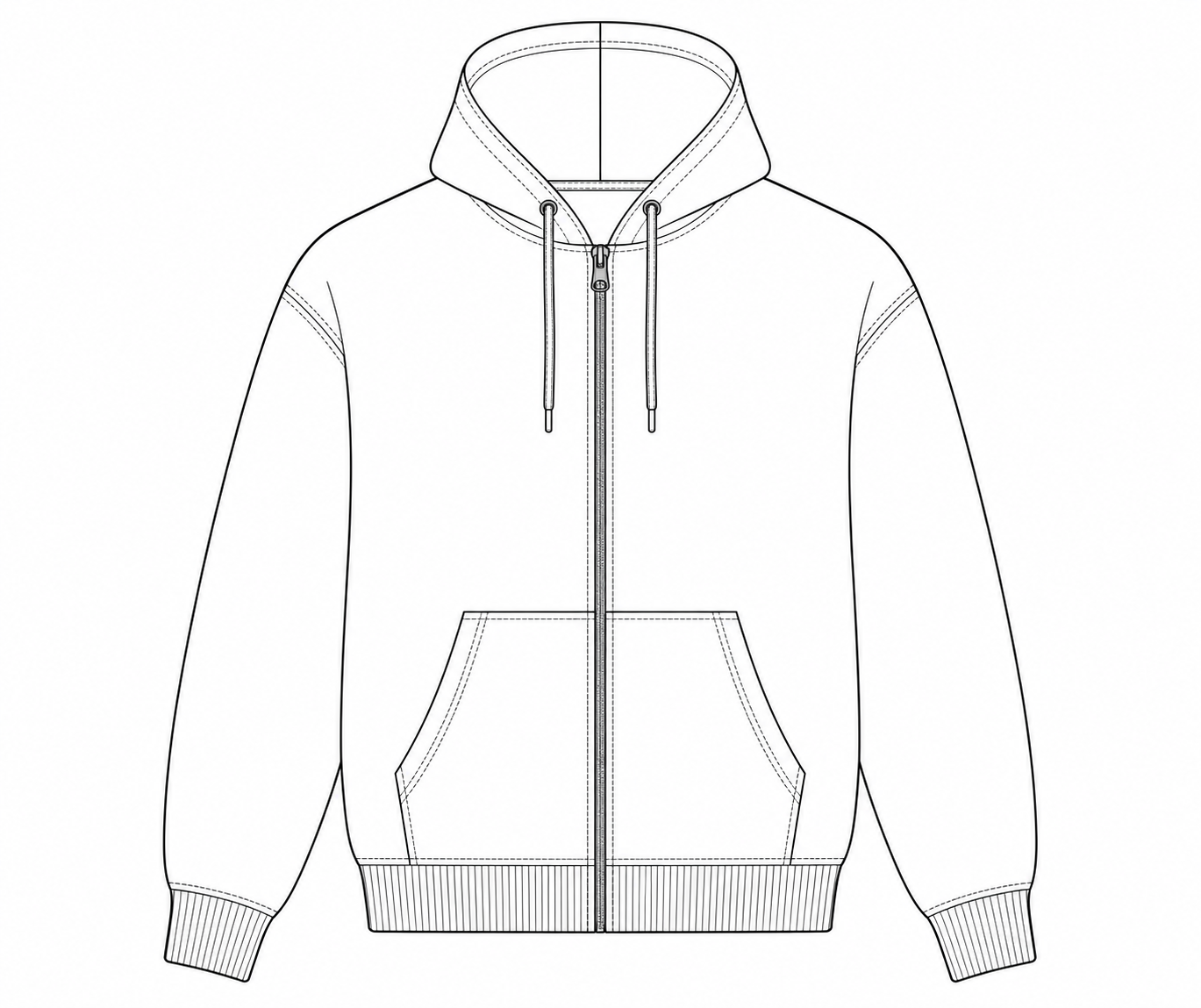
This product example uses original technical garment flats created for Clothing Tech Pack. No customer design or third-party production pack is shown.
01 · Cover & flats
Style identity, front view, revision, readiness, and structured callout references.
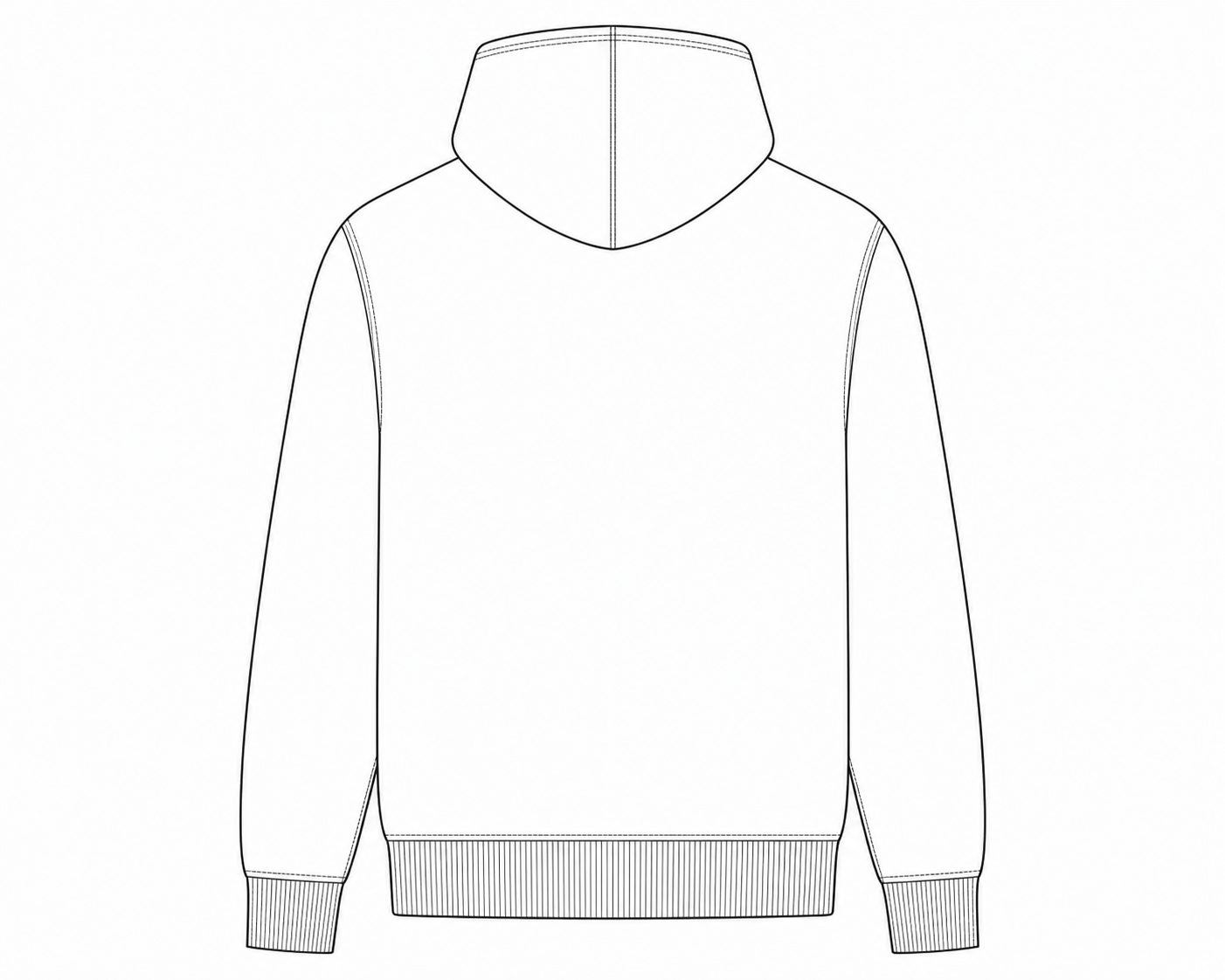
02 · Back & construction
Back view, construction locations, operation sequence, seam, stitch, and SPI fields.
Materials
Fabric · rib · zipper · drawcord
Measurements
Method · target · tolerance · unit
Artwork
File revision · size · color · placement
03 · Production tables
Consistent headers, units, section notes, and locked revision values across PDF and XLSX.
Supported Garments
Search 98 garment types. Tailored, adapted, and flexible workflows give each style a safe production foundation without inventing values for you.
Simple pricing
Start the complete workflow at no cost. When the document is ready to share, choose one export pack or recurring monthly access through secure checkout. The full price is visible here and again before payment.
No surprise paywall
See your readiness findings and preview before checkout.
Flexible export access
Pay once for one style, or subscribe when you issue styles repeatedly.
Workspace
Build the complete specification and understand what is still missing.
Private by default
Recurring work
Keep clean factory exports available across an active collection without buying each style separately.
Exact price shown before checkout
Frequently asked
Know exactly what the workspace does, what stays under your control, and when payment happens.
No. You can begin a private guest draft, build the specification, and run Factory Readiness before creating an account for long-term access and clean exports.
No. The workspace provides garment-specific measurement names and clear methods, while production targets, tolerances, and grading stay under your control.
It checks documentation completeness and consistency. It does not guarantee manufacturability, compliance, fit, quality, costing, or factory approval.
Yes. Files are kept outside the public web root and delivered through short-lived, authorization-checked links. Your work is never presented as public gallery content.
Yes. Generate an expiring watermarked PDF, inspect the document, and resolve readiness findings before unlocking the clean PDF + XLSX package.
Yes. Guided mode explains each milestone and the information a factory needs, while Direct mode is available when you want the complete technical editor. You remain responsible for confirming every production decision.
Nothing automatically. Reference analysis can suggest visible garment details and explain named readiness findings, but you accept, edit, or dismiss every suggestion. It never sets the readiness score.